
Track every chief. Plan every upgrade.
A free companion for Whiteout Survival. Keep your buildings, heroes, gear and research in one place, plan the next upgrade, and run your Core events from the first day to the history.
Free. Your data stays in this browser.
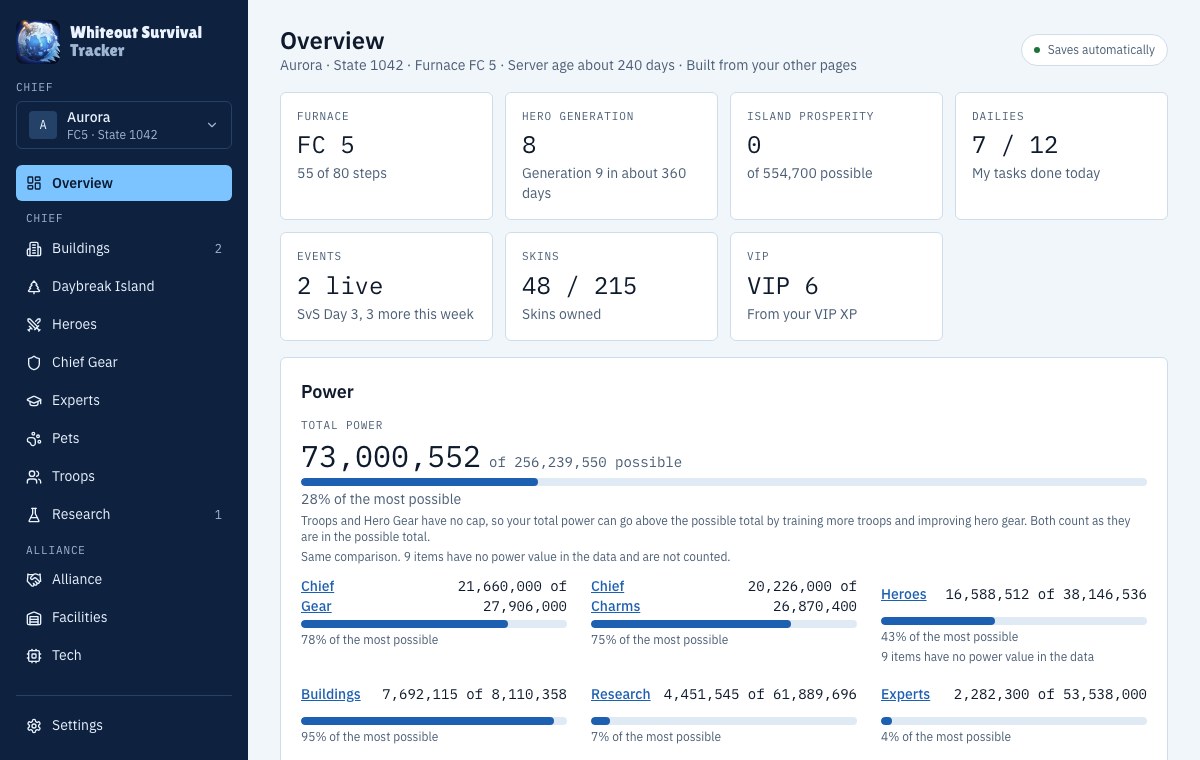
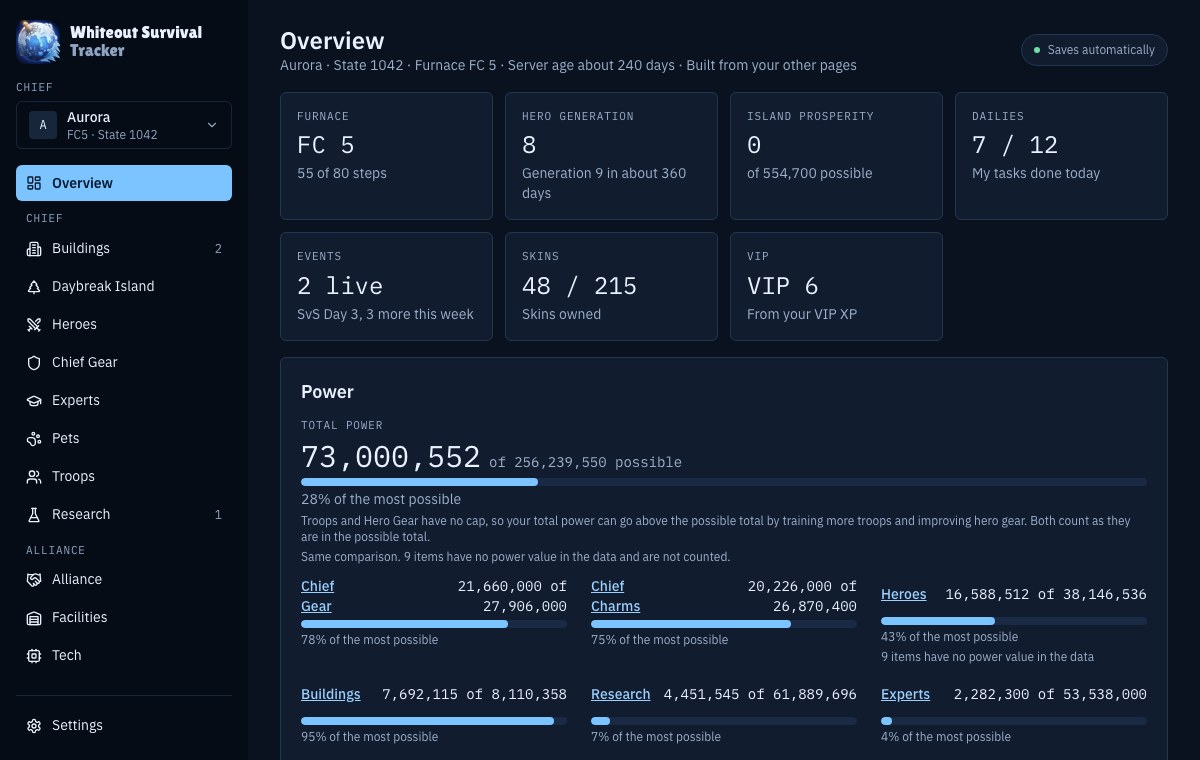
From your first chief to event history in four steps
Create a chief
Give it a name. The server number and notes are optional.
Set your levels
Enter your Furnace and building levels, then fill in heroes, gear and research as you go.
Plan upgrades
See the resources, time and power for your goals, and what is still missing.
Run your events
Count points, log scores and ranks, then save the event to History.
A look at the pages
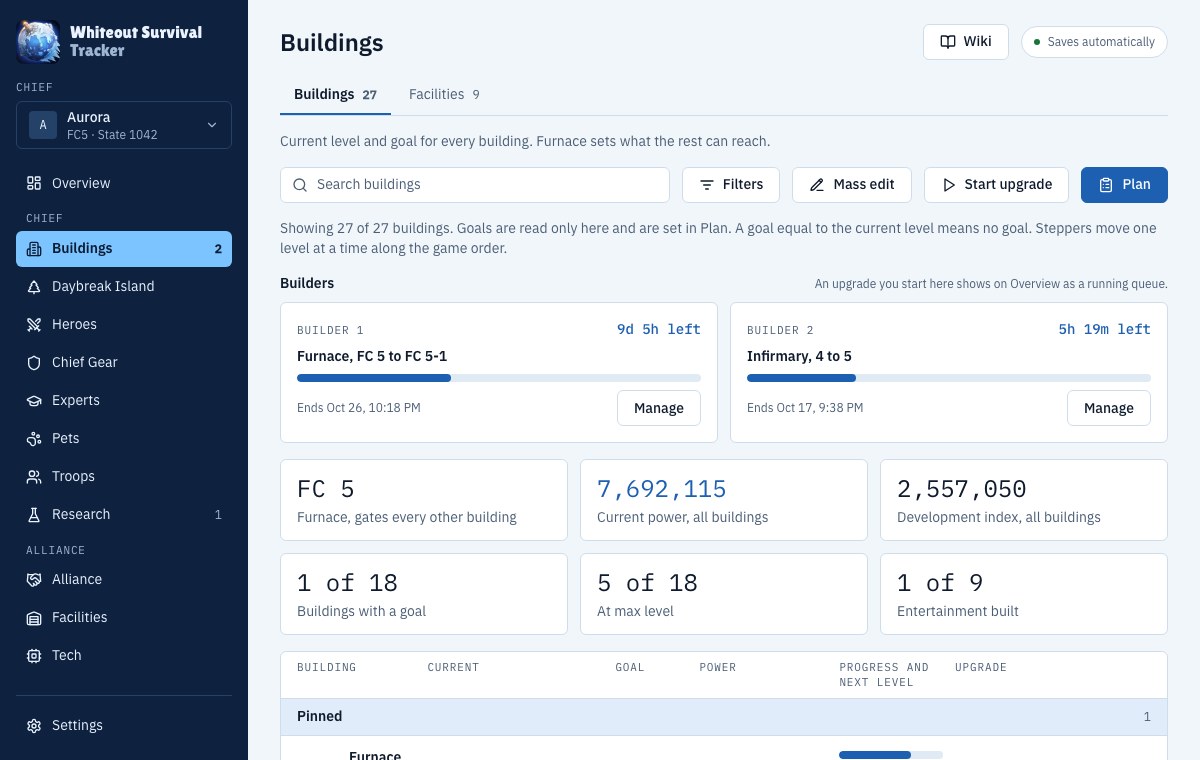
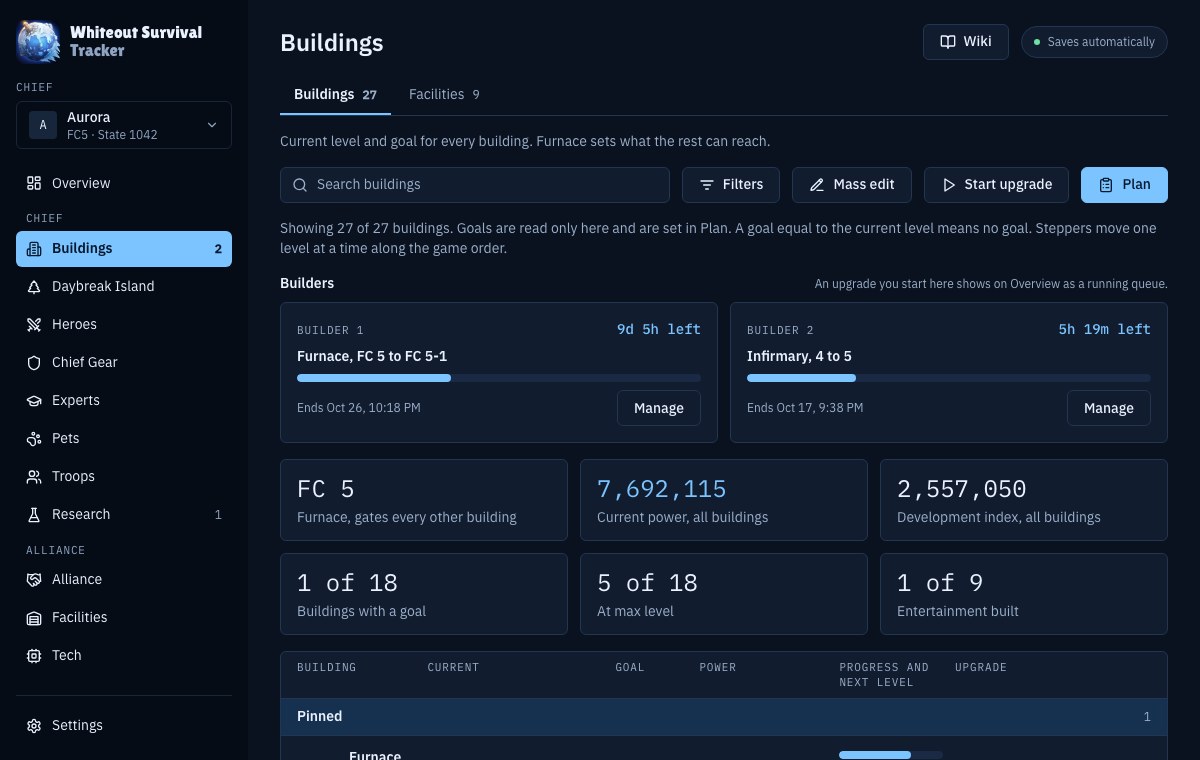
Plan every building upgrade
Current and goal levels, the resources and time each upgrade needs, and what each builder is working on.
Open Buildings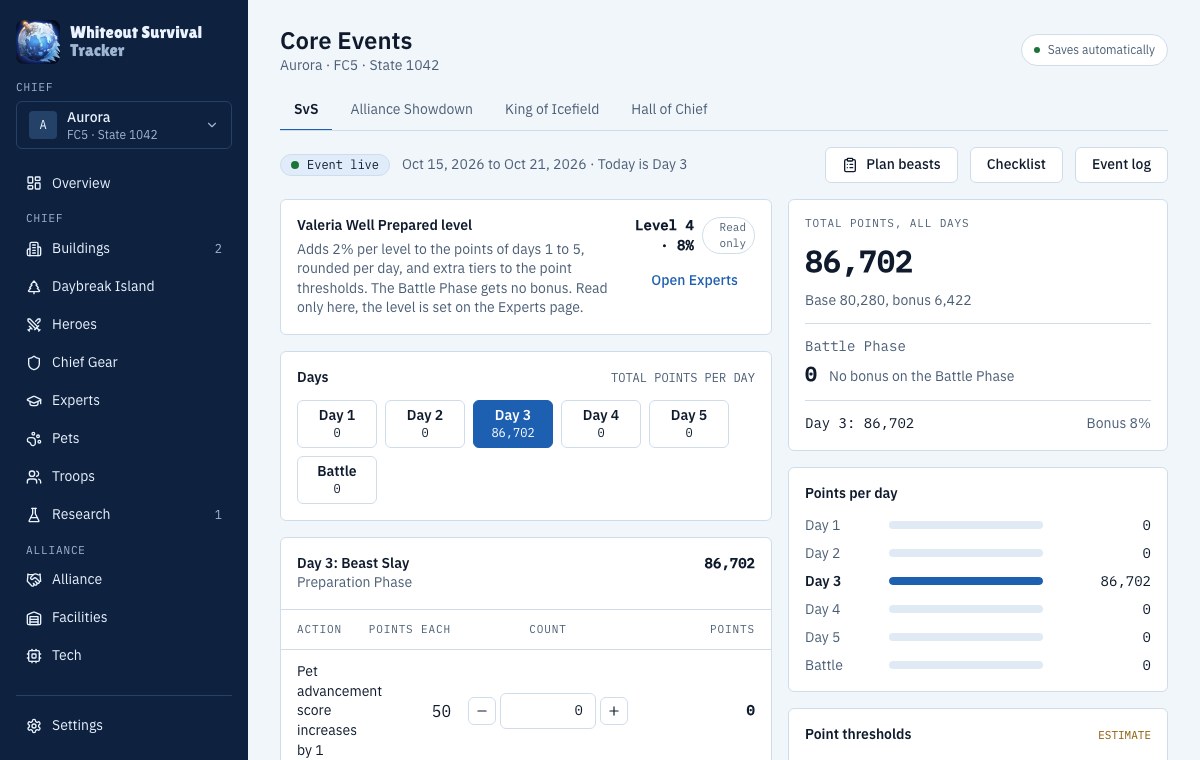
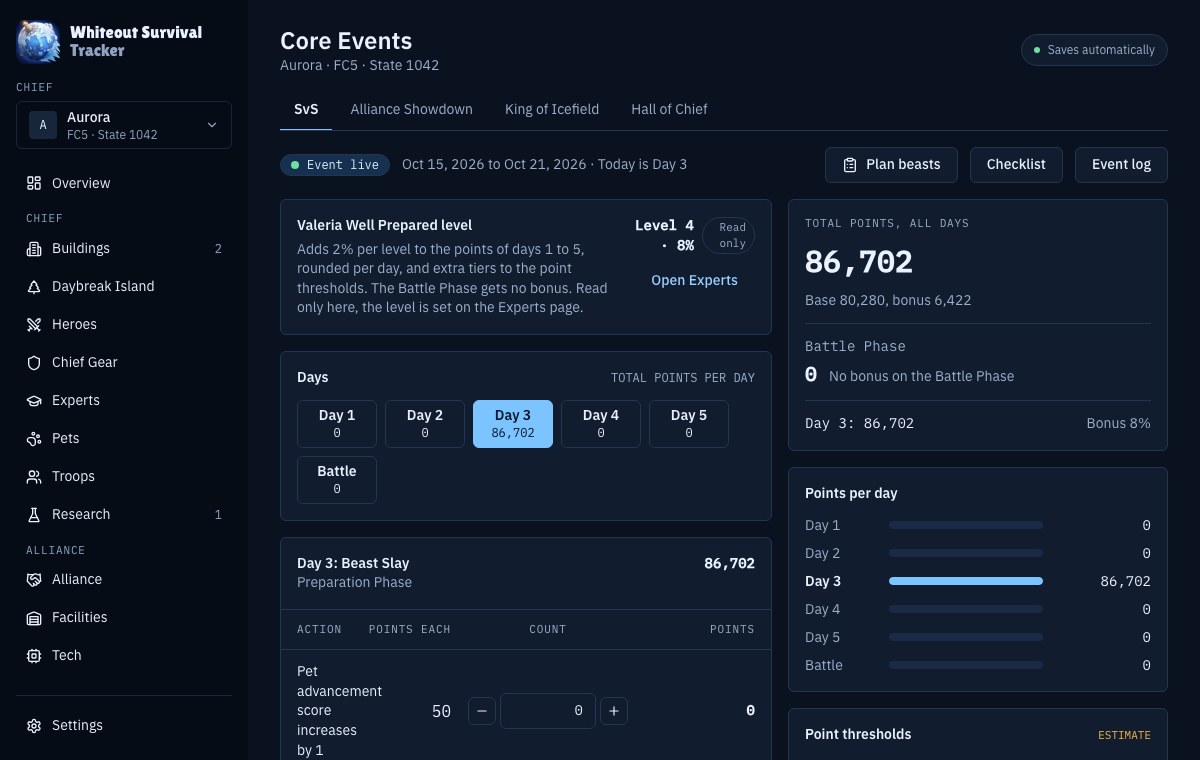
Run your Core events
Count the points of each action, log every day and check the thresholds for SvS, Alliance Showdown, King of Icefield and Hall of Chief.
Open Core Events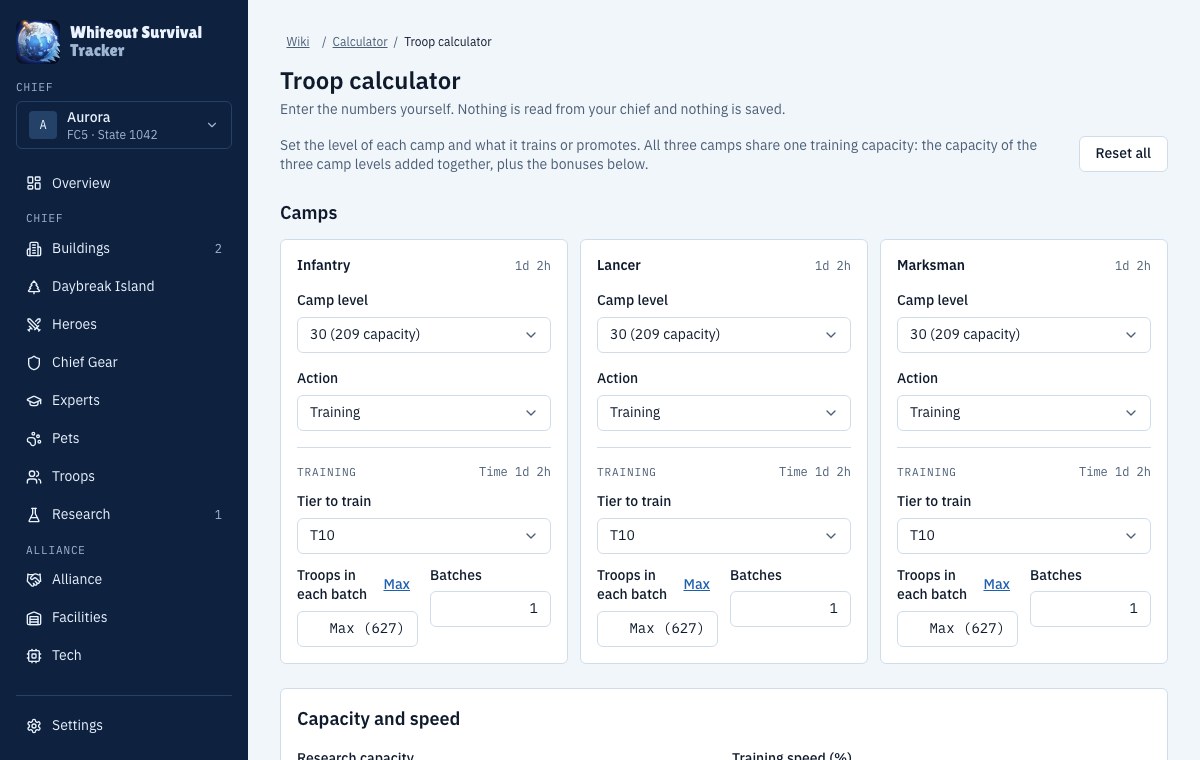
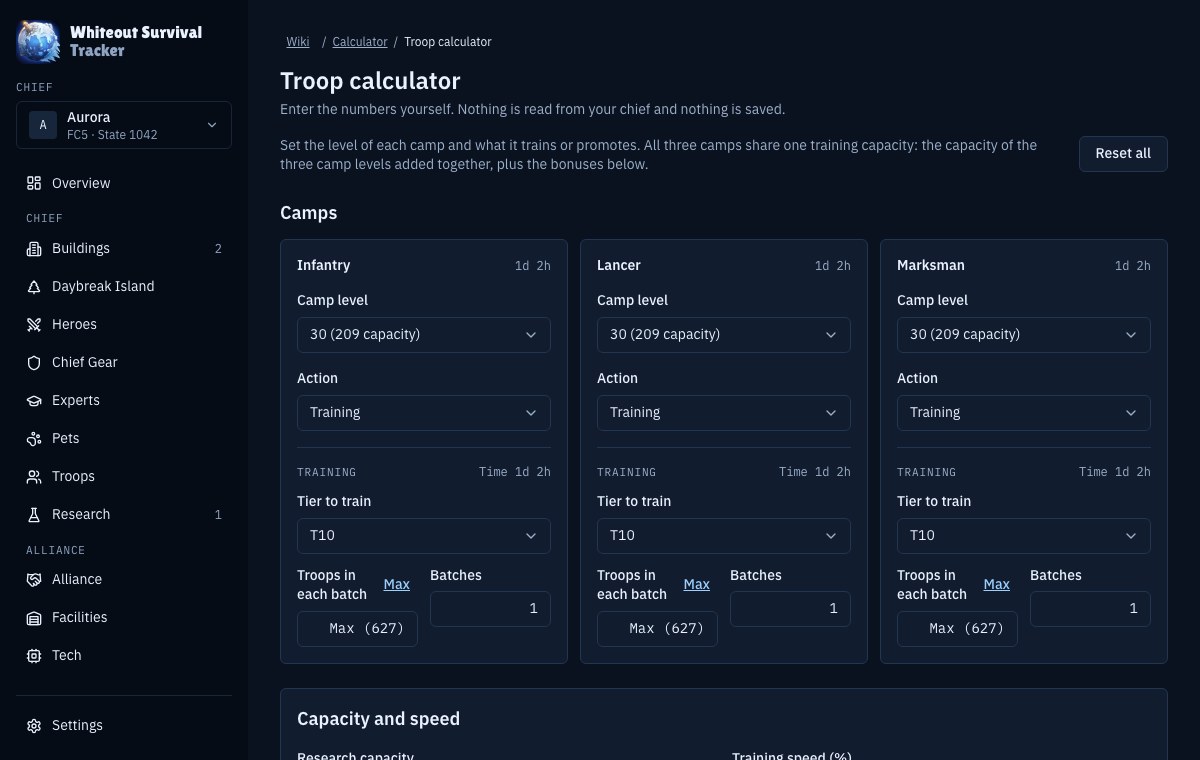
Calculate without a chief
Type levels and goals and see the resources, time, power and event points at once.
Open Calculator
Plan it, play it, then look back at it
Plan any upgrade
Set a goal in a Plan flyout on Buildings, Heroes, Chief Gear and Research. See the resources, time and power it needs, with speedups and bonuses read from your Bonuses page.
Open BuildingsCore event calculators
SvS, Alliance Showdown, King of Icefield and Hall of Chief. Count points for each action, add your expert bonuses, and check thresholds and rank rewards.
Open Core EventsEvent log and daily checklist
Log score and rank for each day of an event. A checklist lists the actions you can do each day.
Open Core EventsHistory: plan against actual
End an event to save it. Compare your plan with what you did, and see each planned upgrade as done or not done.
Open HistoryResearch trees
Growth, Economy, Battle, War Academy and the T12 tabs, as a grid or a tree, with unlocks by server age.
Open ResearchAlliance tech and maps
Track your alliance banner, tech and facilities, and read the layout of the castle, strongholds and fortresses.
Open Alliance
Use the Wiki and the calculators right away
Both work without a chief and without an account. Nothing you type is saved.
10 free calculators
Beasts, buildings, charms, gear, experts, heroes, pets, research and troops. Type your numbers and see the resources, time, power and event points.
Open the CalculatorGame data reference
Buildings, heroes, gear, pets, research, events, VIP and more, with costs, times and requirements, plus the Fire Crystal tables and a server timeline.
Open the Wiki
What the tracker covers
- 27buildings with costs and times
- 65heroes
- 290research techs
- 4Core event calculators
- 10free form calculators
- 22wiki reference pages, plus a timeline
- 19languages
Available in 19 languages
Pick a language in Settings. Numbers and dates follow the language, or a format that you choose. Arabic reads from right to left.
- English
- العربية
- Español
- Español (Latinoamérica)
- Français
- Deutsch
- Italiano
- Português (Brasil)
- Português (Portugal)
- Русский
- 中文(简体)
- 中文(繁體)
- 日本語
- 한국어
- Türkçe
- Tiếng Việt
- ไทย
- Bahasa Indonesia
- Bahasa Melayu
Grouped the way the game is
The same pages as the sidebar inside the app.
Private by default, portable when you want it
Stays in your browser
There is no account to make. Your chiefs are saved in this browser on this device.
One saved file
Everything you enter is kept in a single saved file in the browser, so it loads fast and nothing is split across places.
Several chiefs
Keep a main and your alts. Switch between them from the sidebar.
Backup and restore
Export your data to a file from Settings and import it on another browser or device.
Frequently asked questions
Is it free?
Yes. There is nothing to pay for and nothing to unlock.
Where is my data?
In this browser, in local storage for this site. It is not sent to a server. If you clear the site data for this page, the chiefs are removed, so export a backup first.
How do I move to another device?
Open Settings, then Backup and data, and export a backup file. On the other device, open the same page, go to Settings, Backup and data, and import that file.
Can I have several chiefs?
Yes. There is no limit. Each chief has its own buildings, heroes, research and events, and you switch between them in the sidebar.
Do I need an account or a save file from the game?
No. You type in your levels yourself. The game data for costs, times and stats comes with the tracker.
Do I need a chief to use the calculators?
No. The calculators and the Wiki work without a chief and without an account. You type the numbers and nothing is saved.
Which languages are supported?
English, Arabic, Spanish (Spain and Latin America), French, German, Italian, Portuguese (Brazil and Portugal), Russian, Chinese (Simplified and Traditional), Japanese, Korean, Turkish, Vietnamese, Thai, Indonesian and Malay. Pick one in Settings.
Does it work on my phone?
Yes. Every page has a phone layout with large buttons, and there is nothing to install. Your data stays in the browser you use, so export a backup to move it to another device.
Is this an official app?
No. It is an unofficial fan tool. It is not affiliated with Whiteout Survival or Century Games. The footer has the full notice.
What is the Wiki?
A set of reference pages for the game data, such as buildings, heroes, pets, items and events, plus a server timeline. You can read it without creating a chief.
Start tracking today
Your first chief takes one name. You can change everything later.